
how to update, install and upgrade in Ubuntu Terminal ?

Chit Ko Ko
Contributor
1 min read
sudo bash
apt-get update && \
apt-get –yes –force-yes upgrade && \
apt-get –yes –force-yes install “several packages” && \
apt-get autoclean && poweroff
1)sudo bash
သာမန် sudo နဲ့ သုံးတဲ့အခါ update နဲ့ upgrade လုပ်နေတာ ကြာသွားရင် password ပြန်တောင်းပါလိမ့်မည်။
ဒီအတွက် sudo bash ဆိုရင် ထပ်မတောင်းတော့ပါ ။
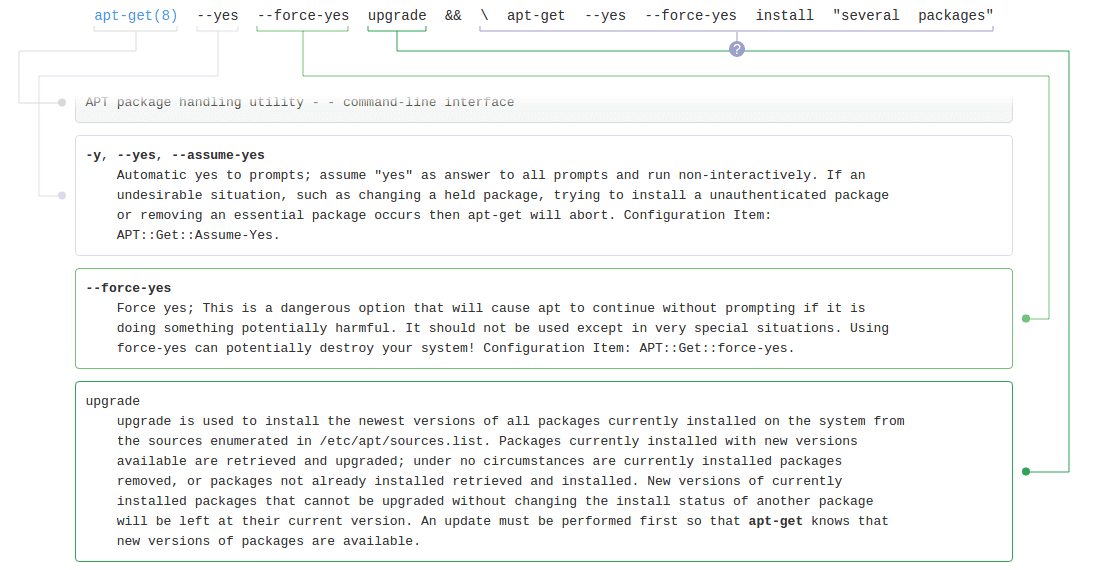
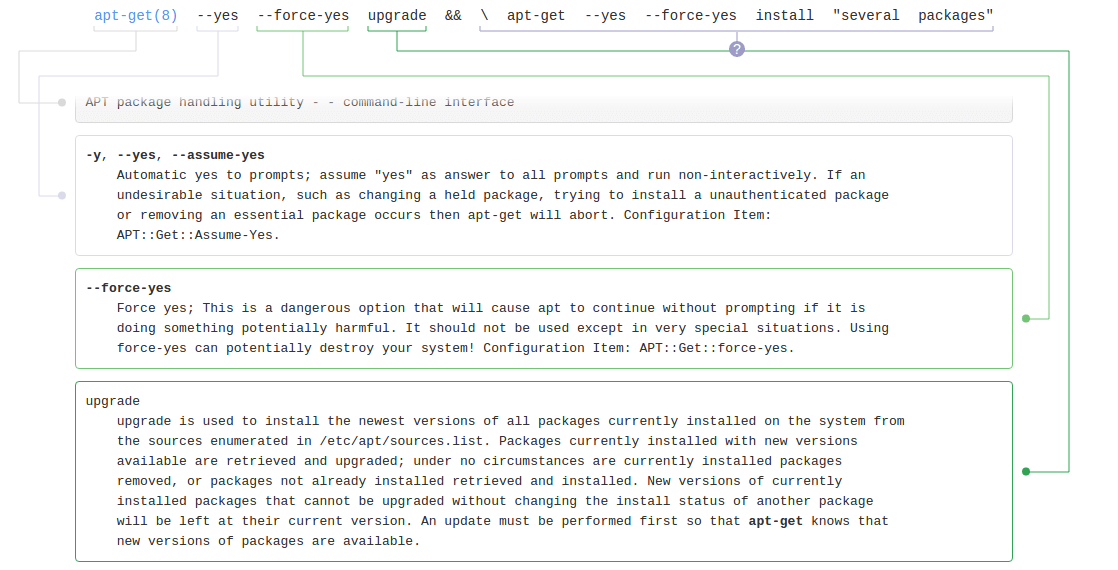
2)–yes –force-yes
ဒီအတိုင်းဆိုရင် တစ်ချို့ဆော့ဝဲတွေမှာ
A) ppa မဟုတ်လို့ သို့မဟုတ် gpg key မထည့်ထားလို့ စိတ်မချရလို့ ဆိုပြီး အတည်ထပ်ပြုခိုင်းဖို့ Y ကို ထပ်နှိပ်ခိုင်းတတ်ပါသည် ။
B) Close Source / EULA ဖြစ်နေလို့ တကယ်သွင်းမလား ထပ်မေးပြီး Yes နှိပ်ဖို့ လိုပါလိမ့်မည် ။
ဒါတွေအကုန်လုံးကို တခါတည်း မမေးအောင် –yes –force-yes သုံးပါသည် ။
credit : Ko Ko Ye
အသေးစိတ် command တွေအလုပ်လုပ် ပုံကို သိချင်ရင် http://explainshell.com/ တွင် command ရိုက်၍လေ့လာနိုင်ပါသည် ။
Related posts
Variety Wallpaper Changer for Ubuntu
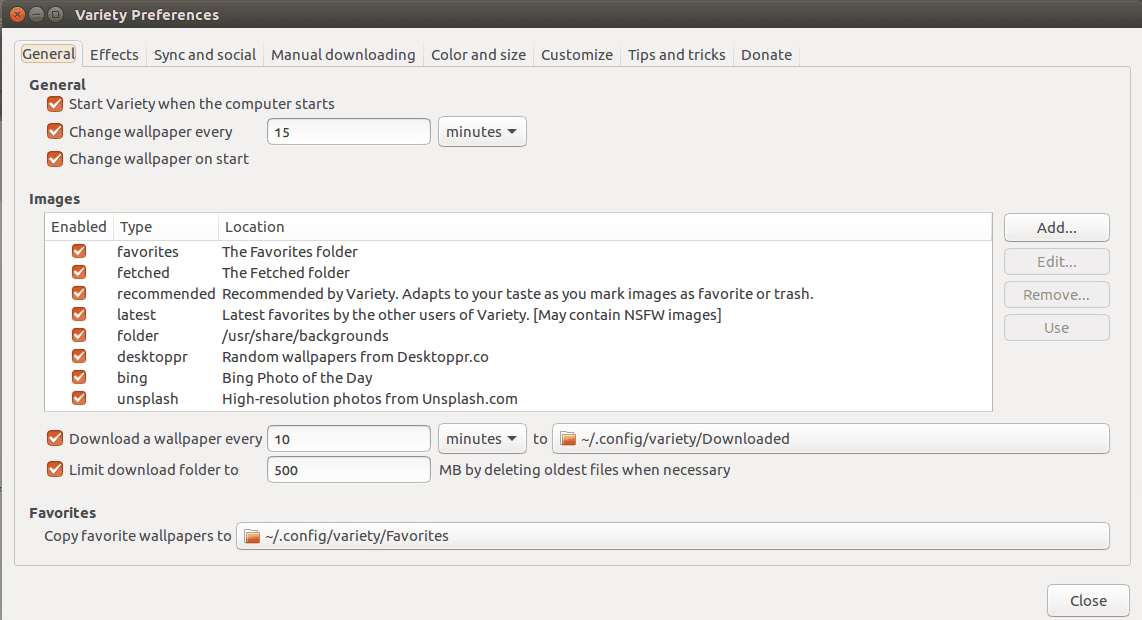
Variety Wallpaper Changer for Ubuntu Terminal ကိုဖွင့်ပါ။ ပြီးနောက် အောက်ပါ command တို့ကိုရိုက်ပါ ။ sudo add apt repository ppa:peterlevi/ppa sudo apt get update sudo apt get…
 Chit Ko Ko
1 min read

Ubuntu Myanmar Customization Guide ( UIT Yangon Version )
Ubuntu Customization Guide Who we are Myat Thu , Ye MIn and Aung Kaung Myat the students of University of Information Technology ( BAHAN ) , MYANMAR…
Chit Ko Ko4 min read
Team Viewer 10 in Ubuntu 15.04
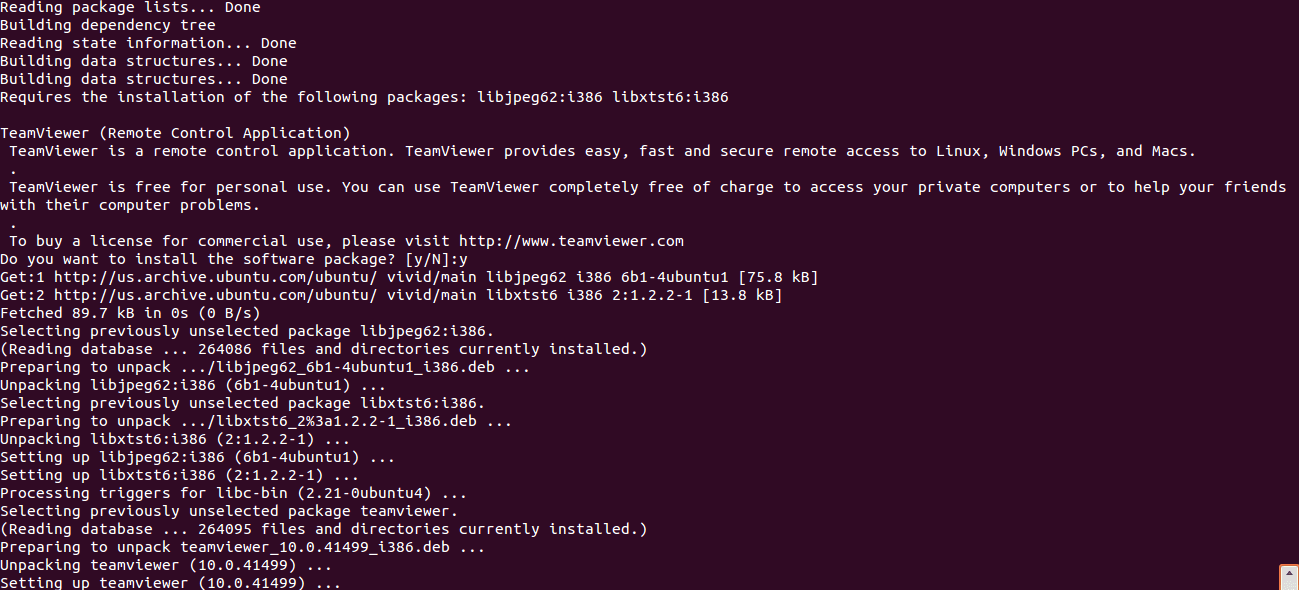
64bit Desktop များတွင် Team Viewer 10 ကို အောက်ပါအတိုင်း လွယ်ကူစွာ တင်နိုင်ပါသည် – sudo dpkg –add architecture i386; sudo apt get update; sudo apt get install gdebi sudo apt get…
Chit Ko Ko1 min read