
Team Viewer 10 in Ubuntu 15.04

Chit Ko Ko
Contributor
1 min read
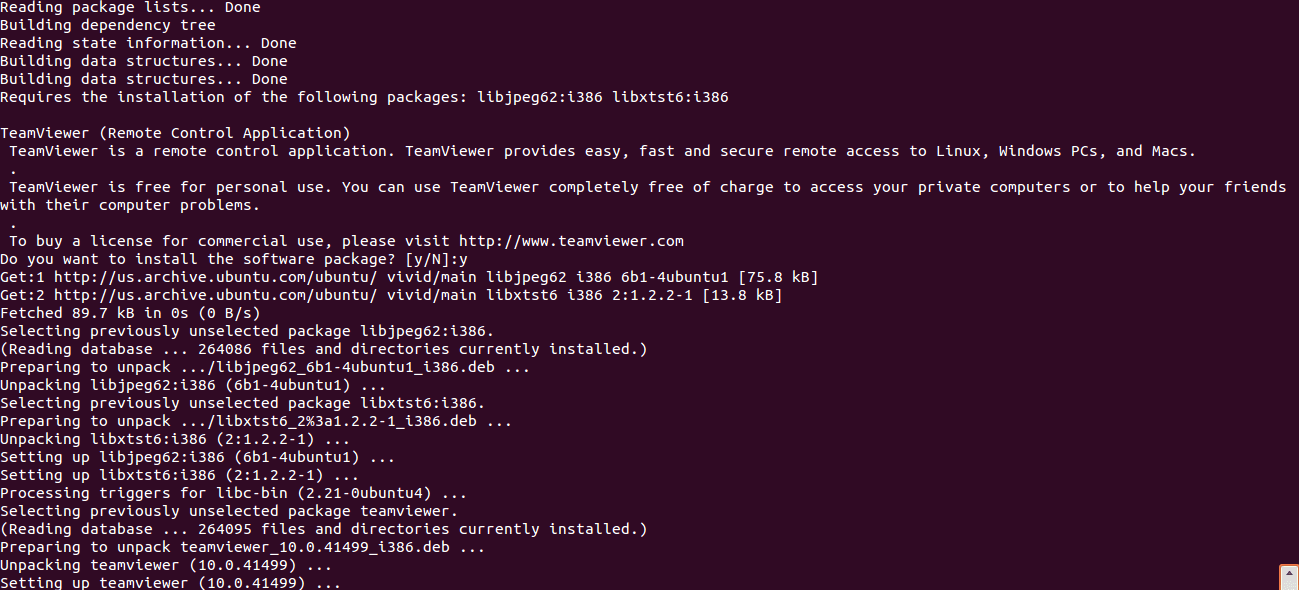
64bit Desktop များတွင် Team Viewer 10 ကို အောက်ပါအတိုင်း လွယ်ကူစွာ တင်နိုင်ပါသည် –
sudo dpkg –add-architecture i386; sudo apt-get update; sudo apt-get install gdebi
sudo apt-get install axel; axel http://downloadap1.teamviewer.com/download/version_10x/teamviewer_10.0.41499_i386.deb; sudo gdebi teamviewer_10.0.41499_i386.deb
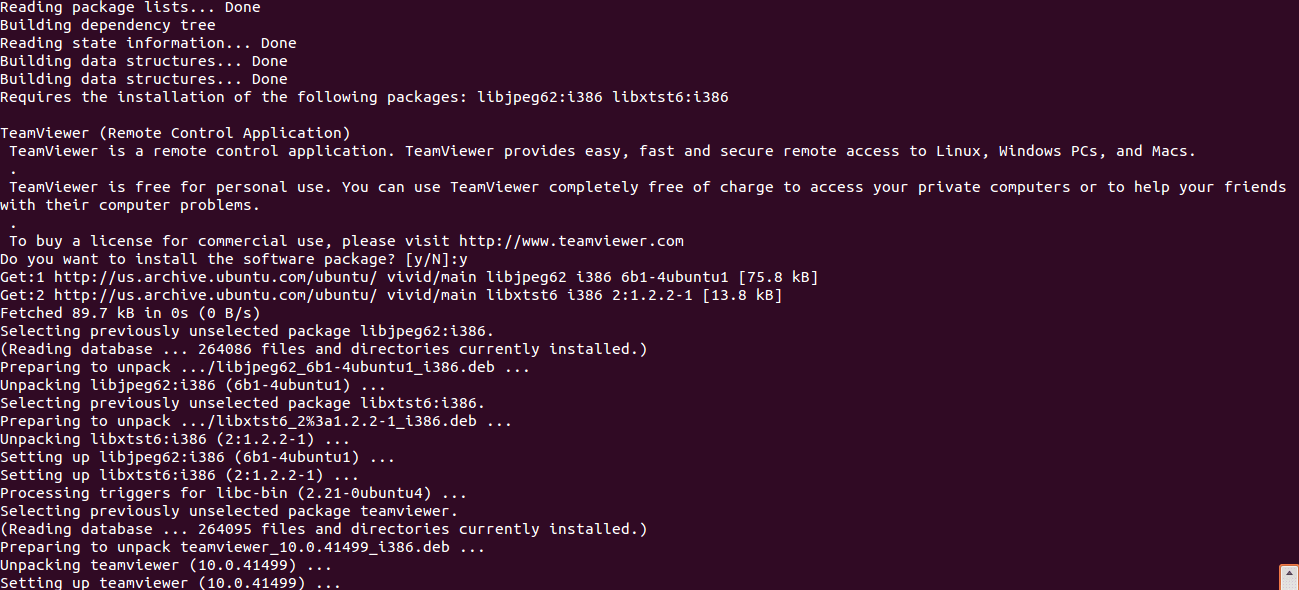
install team viewer 10
Related posts
Variety Wallpaper Changer for Ubuntu
Variety Wallpaper Changer for Ubuntu Terminal ကိုဖွင့်ပါ။ ပြီးနောက် အောက်ပါ command တို့ကိုရိုက်ပါ ။ sudo add apt repository ppa:peterlevi/ppa sudo apt get update sudo apt get…
 Chit Ko Ko
1 min read
Speed Up apt-get Downloads With apt-fast [Ubuntu PPA]
Speed Up apt get Downloads With apt fast [Ubuntu PPA] Apt fast သည် ပိုမိုကောင်မွန် လျှင်မြန်သော connection ဖြင့် download accelerator များဖြစ်သော Axel or Aria2c တို့ဖြင့် command…
Chit Ko Ko1 min read

Ubuntu Myanmar LoCo Team
Ubuntu Myanmar LoCo Team Ubuntu Myanmar LoCo Team Ubuntu Myanmar LoCo Team is an officially verified team by the Ubuntu Council established with the objective of providing support…
Chit Ko Ko2 min read